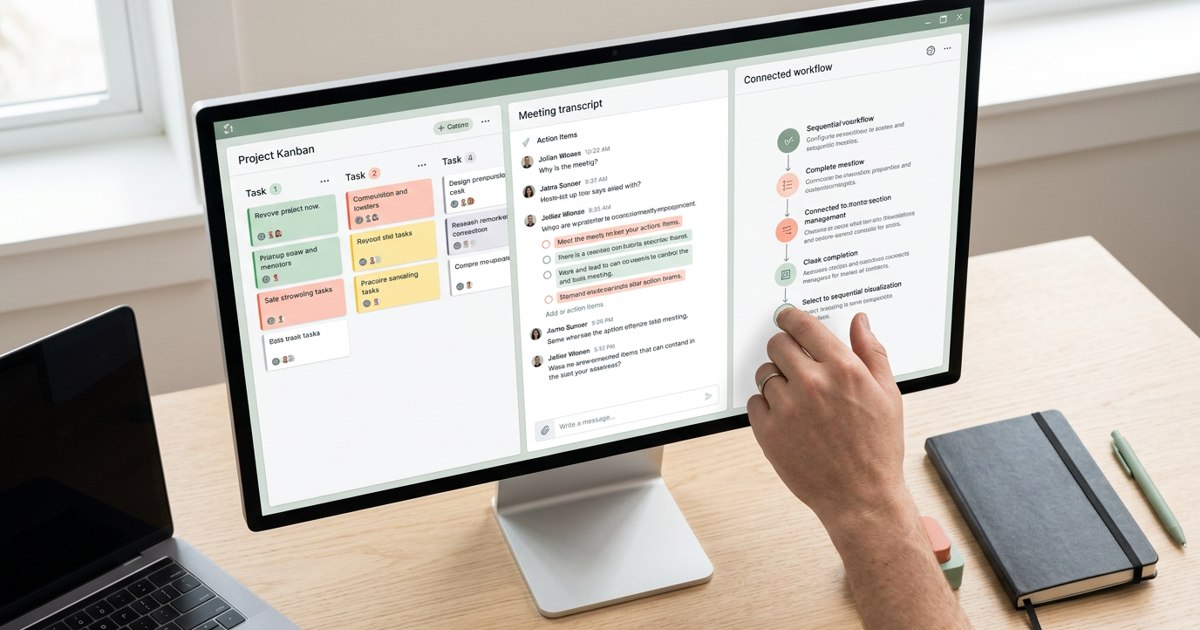


The meeting ends. Everyone agrees it was useful. Then three days pass and nobody is sure who was supposed to do what.
This is one of the most expensive habits in a growing company. Meetings consume time while the work they were meant to unlock remains unfinished. AI can help, but the biggest opportunity is not creating a prettier transcript. It is making sure decisions survive the meeting and turn into action.
AI meeting productivity means using tools to reduce the administrative burden around conversations while improving the quality of follow-through. Used well, AI gives people more attention for the discussion itself. Used badly, it creates another document nobody reads.
Where meetings lose productivity
Most meetings lose value in one or more of four places. The purpose is unclear, so the discussion wanders. The right people or information are missing, so the group cannot decide. Notes are incomplete, so decisions get forgotten. Or the meeting ends without clear owners and deadlines.
AI can help most with preparation, capture and follow-through. It cannot rescue every meeting from having no reason to exist. Before choosing a tool, ask whether the meeting should happen at all.
1. Use AI to prepare better
For a recurring review, an AI assistant can help turn rough notes into an agenda, summarize prior decisions or organize questions that need answers. If the relevant documents are available to the tool, it may also help prepare a concise briefing.
Preparation should focus the conversation rather than overwhelm it. An agenda with three decisions is often more useful than a long list of discussion topics. Ask participants to read routine updates beforehand so meeting time can be spent on interpretation and trade-offs.
Always verify summaries and figures against the source material. AI can miss context or turn an uncertain statement into something that sounds definite.
2. Capture the conversation without making someone the full-time note-taker
Tools such as Otter.ai and Fireflies.ai can transcribe meetings and generate summaries or action items. Platforms such as Microsoft Teams and Zoom also offer AI-powered meeting features depending on the plan and configuration. The available capabilities change, so confirm current support for your meeting platform and subscription.
Automatic notes can free participants from typing every sentence. They are especially useful when a conversation includes many details or when people need to search a transcript later.
But a transcript is not the same as a useful record. Most people do not need every word. They need the decision, the reason, the owner and the next step.
3. Turn discussion into action items
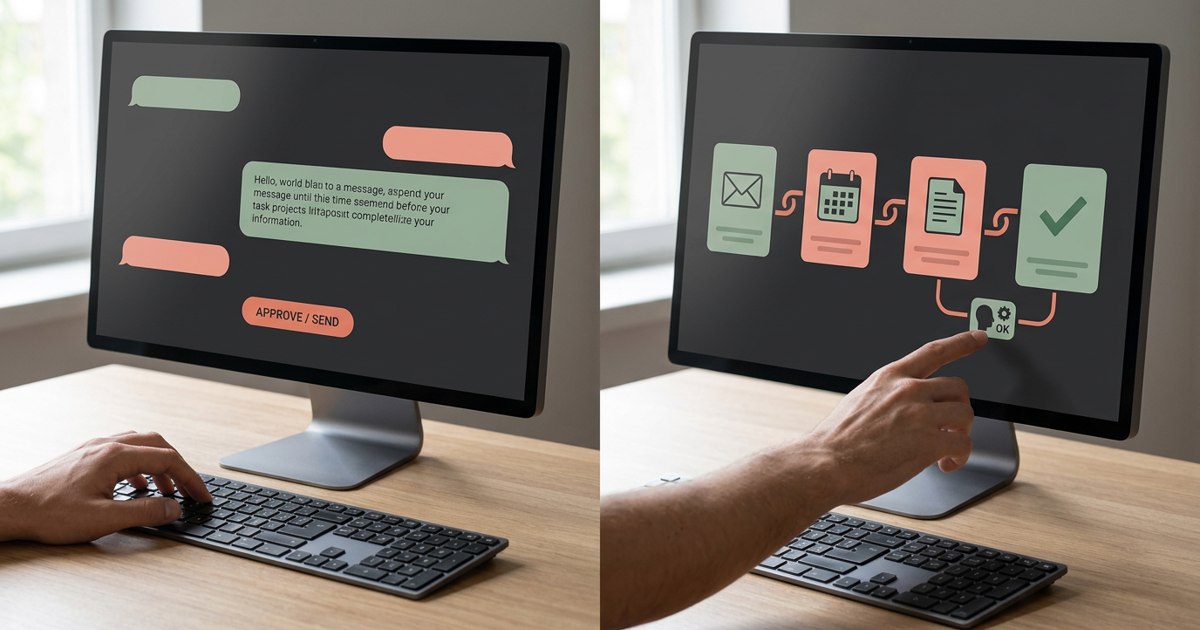
After the meeting, ask AI to extract a table with four fields: action, owner, due date and dependency. Review the result before sharing it. A sentence such as “We should look at pricing next week” may express an idea rather than a commitment. The tool should not invent an owner or deadline that nobody agreed to.
A good summary distinguishes decisions from open questions. It should also identify items that need clarification. If nobody accepted responsibility for an action, say so rather than silently assigning it.
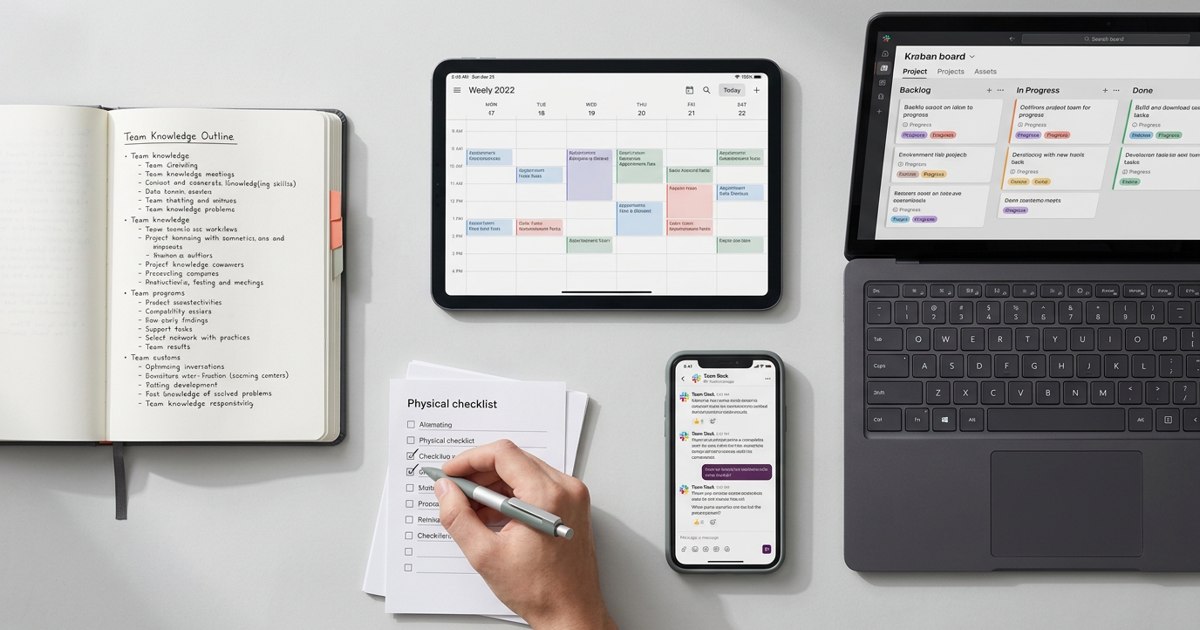
Move approved actions into the task system your team already uses. Avoid creating a parallel list that requires someone to copy everything manually.
4. Improve the meeting after it ends
Use meeting notes to spot patterns. Are the same decisions being reopened? Does one team repeatedly arrive without the required information? Are meetings dominated by updates that could have been written? Does a particular discussion consistently end without a clear decision?
AI can help summarize recurring themes across notes where the product and permissions support that analysis. A manager can then improve the meeting format instead of simply accepting the same friction every week.
Be careful not to use transcripts as a crude employee surveillance system. The aim should be better collaboration and clearer outcomes, not scoring how often someone speaks.
5. Protect privacy and trust
Before recording, tell participants and follow applicable laws and company policy. Some conversations should not be recorded at all. Consider customer confidentiality, employee information, commercial negotiations and sensitive product plans.
Check where recordings and transcripts are stored, who can access them, how long they are retained and whether the tool uses data for model improvement. Restrict access to the people who need it. Do not paste confidential material into an unapproved tool just because it produces a fast summary.
A simple AI meeting workflow
Before: Share the purpose, agenda and decisions required. Use AI to organize background information if useful.
During: Record only when appropriate. Keep the group focused on questions, trade-offs and decisions.
Immediately after: Generate a concise summary and extract action items. A human checks accuracy, owners and deadlines.
Within one working day: Publish the approved notes and move actions into the team's task system.
At the next meeting: Review open actions first. Do not assume that a task was completed because it appeared in a summary.
Copy-and-use prompt for meeting notes
“Turn these meeting notes into a concise record with five sections: decisions made, action items, open questions, risks or dependencies and topics to revisit. For every action item, include an owner and due date only if the meeting explicitly established them. Mark missing information as ‘to confirm’. Do not invent facts. Keep the summary readable in under two minutes.”
AI can make meetings more productive, but it cannot make a team accountable on its behalf. The real measure is not how polished the notes look. It is whether people leave with a shared understanding and whether the agreed work actually happens.
What a good meeting summary should not do
A summary should not hide disagreement or make tentative ideas look like commitments. If a participant says that a date might work, the notes should not turn it into a confirmed deadline. If the group discusses two options without deciding, record the open decision and who will resolve it.
The human review is therefore essential. Check the summary against what was actually agreed, correct names and numbers and remove sensitive details that do not need to be shared. If the tool makes repeated errors, change the prompt or use a different workflow. The measure of success is whether the record helps the team act accurately, not whether it was generated automatically.
For teams that need meeting context alongside email, chat, calendars and documents, WorkBudi takes a broader AI chief of staff approach by connecting these sources and helping prepare follow-ups and deliverables for review. As with any AI tool, people should check the output before acting on it.
Sources & further reading
Product features, supported sources and access vary by plan and configuration. Meeting recap can require transcription and specific licenses. Check current official documentation before choosing a tool.