
A founder can spend an entire afternoon setting up a productivity system and still finish the day with the same three important tasks untouched.
That is the trap with productivity tools. They promise control, but collecting apps can become another form of work. The best productivity tools for startup founders do not make a workflow look impressive. They make it easier to decide what matters, coordinate people and finish commitments.
The right stack depends on how your company works. A five-person startup with few dependencies does not need the same system as a 40-person team managing several products. Start with the problem you need to solve.
1. Task and project management
Tools such as Asana, ClickUp, Trello and Linear serve different kinds of work. Asana and ClickUp can support cross-functional projects and team coordination. Trello offers a visual board that can be easy for a small team to adopt. Linear is particularly relevant for product and engineering teams that need issue tracking and development workflows.
Choose based on the work itself. If the team needs dependencies, ownership and reporting, a simple personal checklist may not be enough. If all you need is a lightweight board, a complex platform can create more administration than value.
Whatever tool you choose, every meaningful task should have an owner, a next action and a realistic due date.
2. Documentation and company knowledge
Notion, Confluence and Google Docs can help teams record decisions, operating procedures, product requirements and meeting outcomes. A useful knowledge system saves people from asking the same questions repeatedly or relying on one employee's memory.
The risk is creating a library nobody maintains. Give important documents an owner and a review date. Make it clear where final decisions live and avoid maintaining multiple competing versions.
A short, current process document is more valuable than a huge handbook that no one trusts.
3. Communication and collaboration
Slack and Microsoft Teams help teams communicate, but neither should become the only place where important work is recorded. Chat is good for quick coordination. It is less effective as a permanent task database because decisions and action items disappear into long threads.
Set a few rules. Use chat for quick questions, project tools for ownership and deadlines and documentation for decisions that people will need later. Agree on what counts as urgent and when a response is expected.
These small conventions often improve productivity more than adding another app.
4. Scheduling and calendar management
Google Calendar and Outlook Calendar remain foundational because they show where time is actually committed. Tools such as Motion can help schedule tasks into available calendar time, depending on the product plan and setup.
Automated scheduling is useful when tasks have clear durations and priorities. It is less useful when your day is constantly interrupted by customer calls or unpredictable operational issues. Leave buffer time and treat the calendar as a plan, not a promise that reality must obey.
Founders should also protect time for work that requires concentration, not just meetings.
5. AI assistants for research and writing
ChatGPT and Claude can help with research planning, first drafts, analysis, outlining and turning rough notes into clearer communication. They can reduce the time spent facing a blank page or organizing a large amount of information.
They should not be treated as unquestionable sources. Verify facts, especially current market information, legal matters, financial analysis and claims that will reach customers. Do not upload sensitive company information to an unapproved service.
Use AI to speed up the first draft and improve thinking, not to avoid thinking.
6. AI chief of staff: WorkBudi
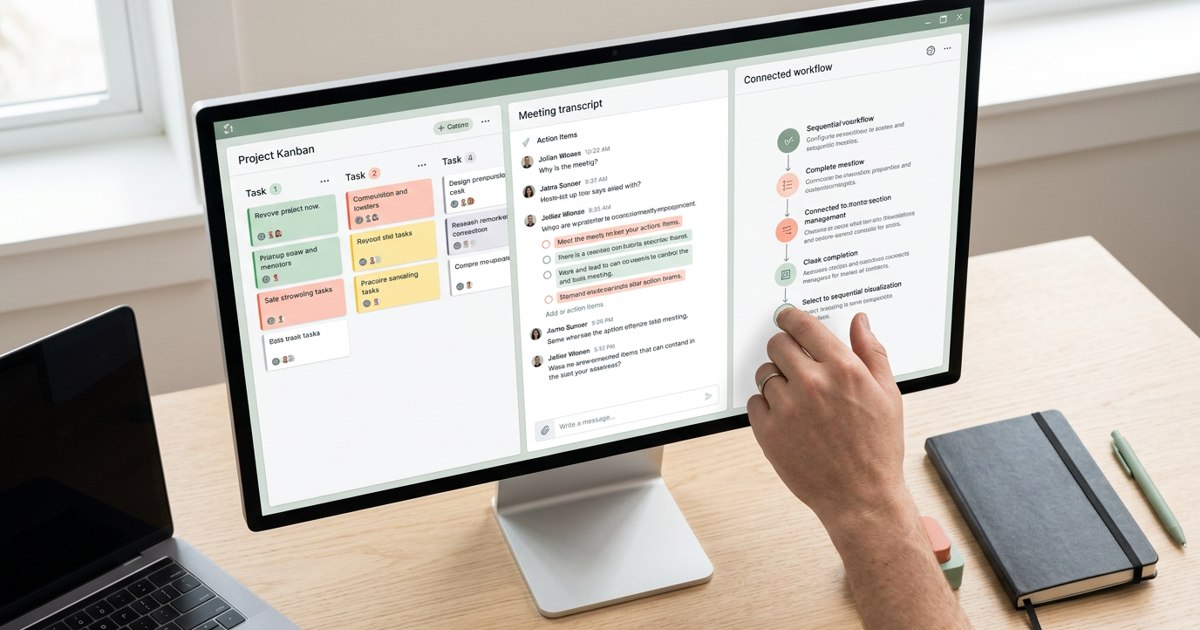
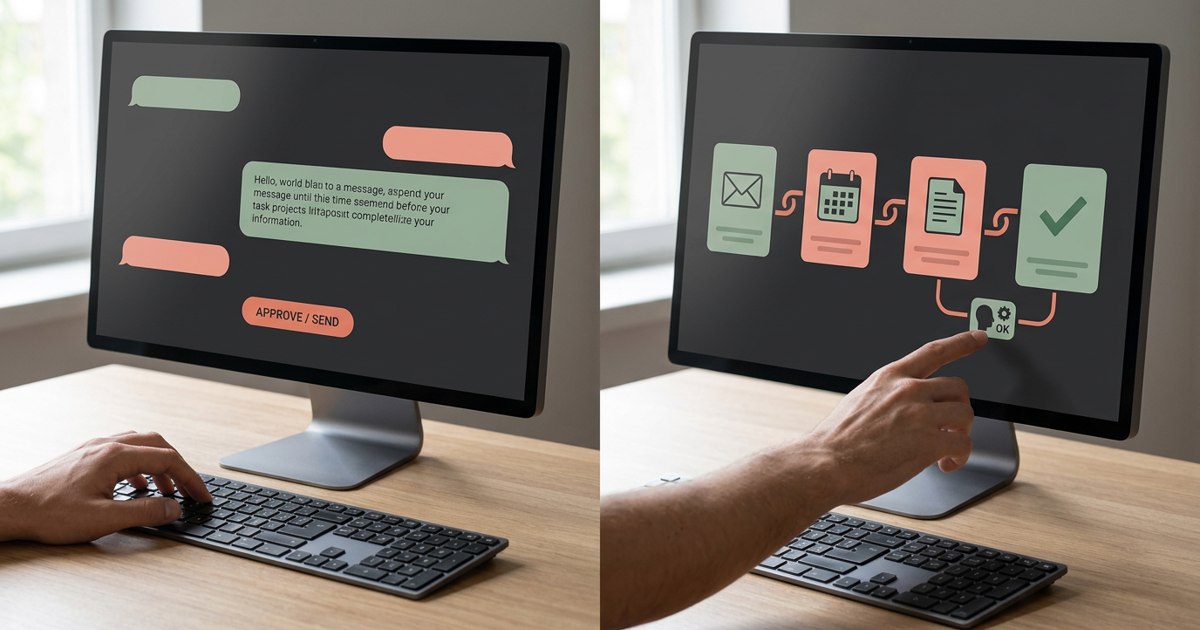
A task manager helps you track work. An AI chief of staff can help you make sense of the context around that work. WorkBudi is an AI-powered Work OS that connects with existing work tools. Robin, its AI Chief of Staff, understands work context and helps founders prioritize tasks, manage follow-ups and prepare replies, briefs and other deliverables.
It may be useful for founders who spend too much time piecing together information from email, chat, calendars, meetings and documents before they can decide what to do next. The focus is on helping work move forward with context, rather than simply adding another place to maintain a to-do list.
7. Meeting assistants
Otter.ai and Fireflies.ai can transcribe meetings, generate summaries and help identify follow-up actions. Built-in meeting AI in platforms such as Teams or Zoom may also be sufficient for some teams.
The best option is the one that fits your meeting platform, privacy requirements and workflow. Check recording consent, data retention and access settings. Then create a standard process for reviewing action items and moving them into the team's task system.
A transcript that never becomes action is just another file.
8. Automation tools
Zapier and similar automation platforms connect applications so that predictable steps happen without manual copying. A form submission might create a task, notify an owner and add a record to a database.
Begin with a repetitive workflow that has a clear trigger and a clear result. Monitor failures and decide who owns the automation. If nobody notices when it breaks, the automation may quietly create more problems than it solves.
9. Time tracking and workload visibility
Tools such as Toggl Track can help individuals or teams understand where time goes. Time tracking can reveal that a supposedly small task consumes several hours each week or that a team spends too much time on recurring admin.
Use the data to improve work design, not to judge people by every minute. The aim is to identify patterns and make better decisions about capacity.
Build a small stack instead of a large one
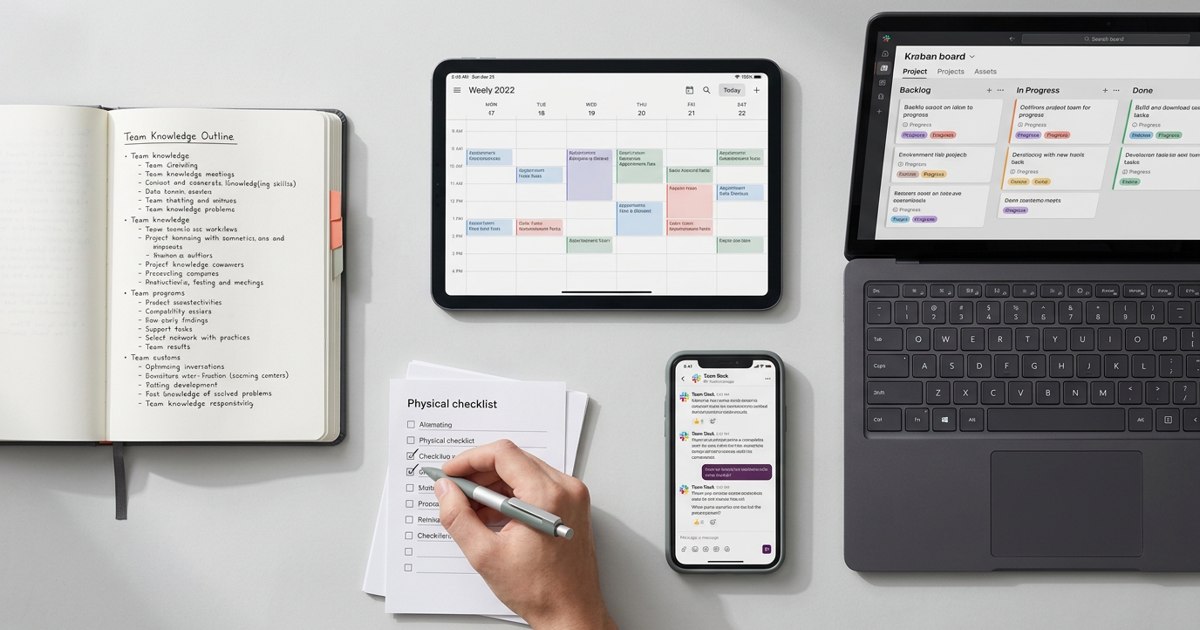
A practical founder stack may need only five layers: one task system, one knowledge base, one communication tool, one calendar and one AI assistant or chief of staff. Add meeting capture or automation when a specific recurring problem justifies it.
Before adding a tool, answer these questions:
- What problem does it solve?
- Which existing tool does it replace or complement?
- Who will maintain it?
- What information will it hold?
- How will we know it is helping?
Run a 30-day test. Measure adoption, time saved, missed tasks and rework. If the team keeps working around the tool, find out why before forcing a wider rollout.
Productivity is not a contest to build the most sophisticated stack. A small set of tools with clear rules usually beats a dozen apps that all claim to be the centre of work. Choose tools that reduce friction and keep the system simple enough that people can focus on the business.
Sources & further reading
Product features, supported sources and access vary by plan and configuration. Meeting recap can require transcription and specific licenses. Check current official documentation before choosing a tool.