
Your team probably does not need another AI tool. It needs fewer things falling through the cracks.
That distinction matters in 2026. AI can draft a project brief, summarize a long discussion, turn a meeting into action items and help a team find information buried in documents. Yet a company can adopt five AI products and still miss deadlines. The problem is rarely a shortage of features. It is that the tools do not fit the way work actually moves through the business.
The best AI tools for managing work are the ones that remove a specific bottleneck. Before choosing one, identify where your team loses time: planning, writing, coordination, meetings or repetitive administration.
Start with the job, not the tool
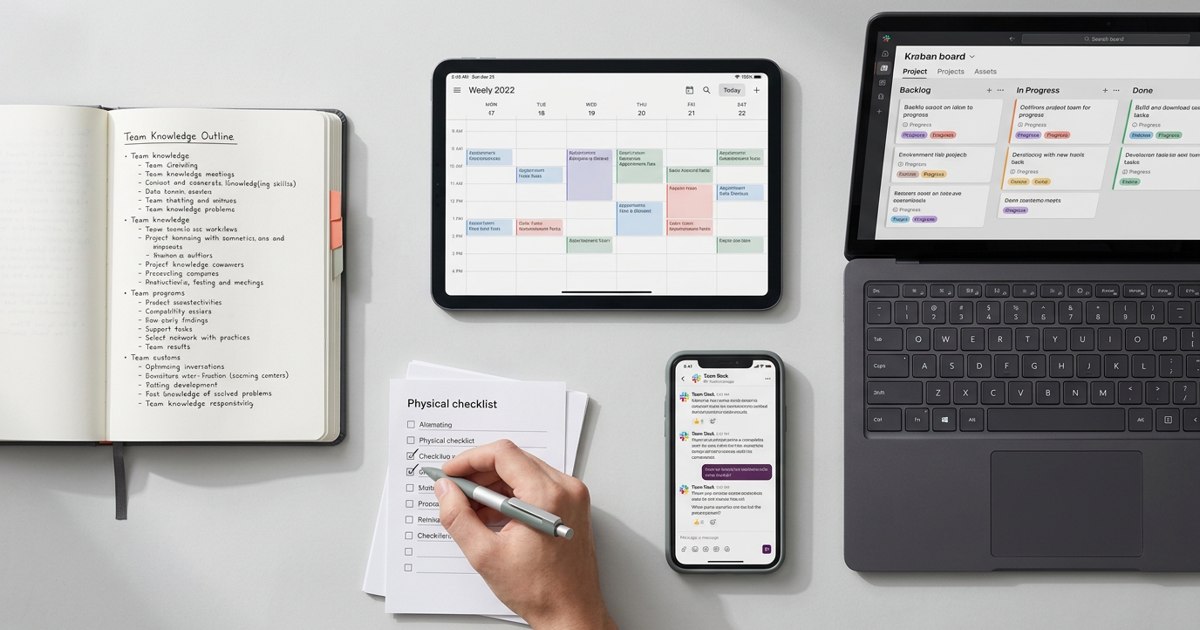
Imagine a small startup preparing to launch a new feature. The founder is chasing updates in chat. The product manager is maintaining a spreadsheet. Marketing is waiting for a decision and engineering has a different version of the deadline. Adding an AI chatbot will not solve this by itself. The team needs one clear place for ownership, status and decisions.
AI is most useful when it works with reliable context. If task owners, deadlines and project decisions are scattered across five places, even a capable model may produce a confident but incomplete answer. Fix the workflow first, then add AI where it saves real effort.
The AI tools worth evaluating
1. ChatGPT: research, drafting and problem-solving
ChatGPT is a flexible general-purpose assistant for exploring a market, structuring a strategy, drafting customer communications, analyzing supplied information and turning rough notes into a clear first draft. It is particularly useful for open-ended work that needs thinking or synthesis.
Its limitation is context. Unless relevant company information is provided or connected through an available feature, it may not know the latest internal decision. Treat output as a starting point and verify important facts before sharing it.
2. Claude: long-form thinking and document work
Claude is worth evaluating for writing, analysis, working through long documents and tasks where careful reasoning and clear prose matter. Teams may use it to critique a proposal, compare options or turn research notes into a coherent brief.
The practical question is not which model wins every benchmark. It is which one handles your recurring tasks well, fits your security requirements and produces output your team can actually use.
3. Microsoft 365 Copilot: AI inside Microsoft apps
For teams already working in Outlook, Teams, Word, Excel and PowerPoint, Microsoft 365 Copilot can reduce the friction of switching between tools. Depending on the licence and configuration, it can help summarize meetings, draft documents and work with information across Microsoft apps.
It is most compelling when your business already uses Microsoft 365 and permissions are well managed. Buying it for a team that barely uses that ecosystem may add cost without changing much.
4. Notion AI: documentation and team knowledge
Notion combines documents, databases and team knowledge. Its AI features can help summarize pages, draft content and retrieve information from a workspace or supported connected sources. It can suit startups that need a flexible home for product notes, processes and project documentation.
Flexibility has a downside: a workspace can become messy if nobody maintains it. Decide what belongs in Notion and who is responsible for keeping important pages current.
5. ClickUp Brain and Asana AI: project execution
Project management platforms are useful when AI needs to sit close to actual work. ClickUp Brain supports work across tasks and documents, while Asana's AI capabilities focus on helping teams understand and manage work in its project environment. Features and availability vary by plan, so check current product documentation before buying.
These tools are more useful when the team already keeps tasks and ownership up to date. AI cannot reliably report project health from abandoned boards.
6. WorkBudi: an AI chief of staff for work context
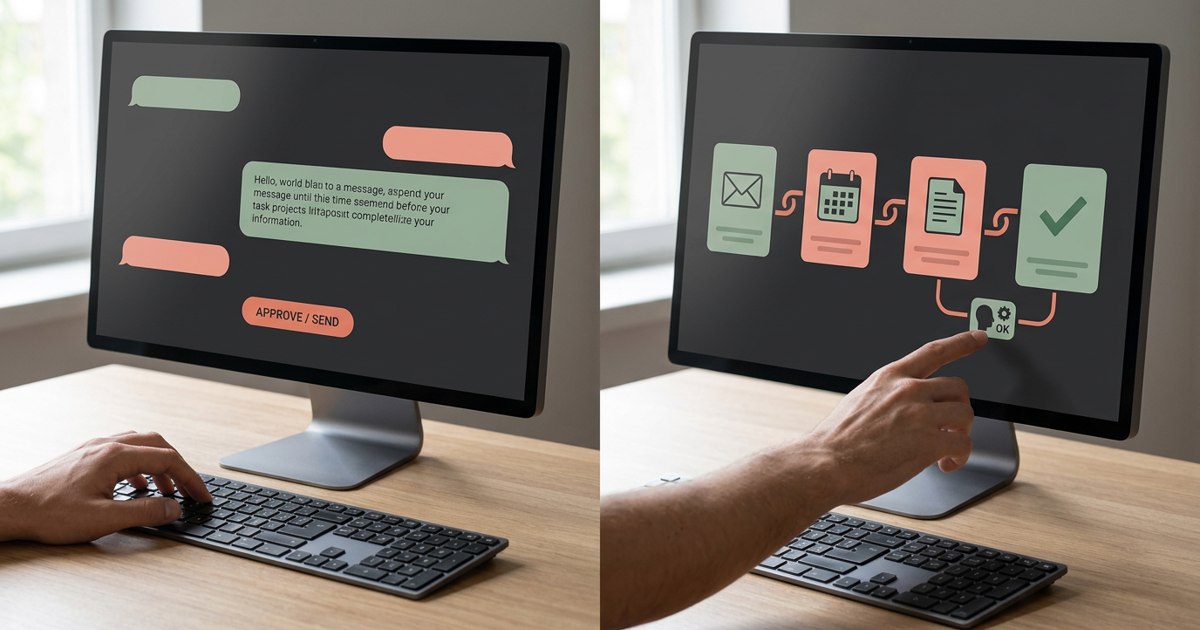
WorkBudi takes a broader approach to work management. Its AI Work OS connects with existing work tools, while Robin, its AI Chief of Staff, uses work context to help founders prioritize tasks, manage follow-ups and prepare replies, briefs and other deliverables.
This approach may suit founders who lose time switching between email, chat, calendars, meetings and documents to understand what needs attention. Rather than treating every task as a separate prompt, the idea is to bring relevant context together and help move work forward. As with any AI system, review generated outputs and confirm important details before acting on them.
7. Otter.ai and Fireflies.ai: meeting capture
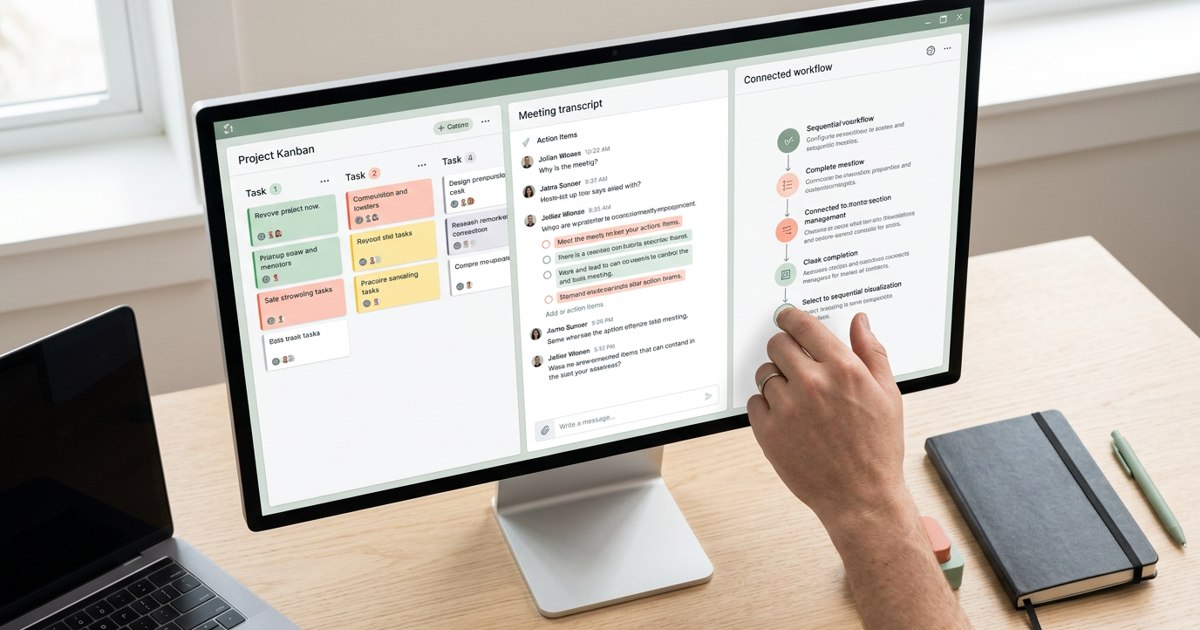
Meeting assistants can transcribe conversations, create summaries and surface action items. Otter.ai and Fireflies.ai are options to evaluate if your team spends hours in calls and then spends more time reconstructing what was agreed.
Do not assume every summary is accurate. Review names, numbers, commitments and sensitive discussions. Establish consent and recording rules before rolling out any meeting recorder.
8. Zapier: connect repetitive workflows
Zapier connects apps and can automate routine steps such as sending a notification when a form is submitted or creating a task when a specific event occurs. Its AI-related capabilities can make some workflows more flexible, but the strongest use case is still a clear process with a predictable trigger and outcome.
Automation should not turn a poorly designed process into a faster poorly designed process. Map the steps first and include a way to catch failures.
How to choose without creating tool overload
Score each candidate on five questions:
- Does it solve a frequent and expensive problem?
- Does it work where our information already lives?
- Can the team adopt it without a long training project?
- Are its privacy, access and retention controls appropriate?
- Can we measure a meaningful improvement within 30 days?
Run a small pilot with one workflow. Record the time spent before and after, the error rate and whether people actually use the tool. Include the cost of administration and review, not just the subscription fee.
A simple AI tool selection template
Workflow: What work are we trying to improve?
Current friction: Where does time, quality or accountability break down?
Tool: Which product will we test?
Owner: Who is responsible for the pilot?
Baseline: How long does the task take today and how often does it fail?
Success measure: What measurable improvement would justify keeping the tool?
Review date: When will we decide to keep, change or remove it?
The best AI stack is not the one with the most impressive demo. It is the smallest set of tools that makes important work easier to finish, easier to check and harder to lose.
Sources & further reading
Product features, supported sources and access vary by plan and configuration. Meeting recap can require transcription and specific licenses. Check current official documentation before choosing a tool.