Free
A practical place to start working with your team.
$0up to 5 members
- Up to 5 members per workspace
- Core WorkBudi workspace
- Conversations and channels
- Tasks and assignments
- Shared workspace context
WorkBudi THE AI-NATIVE WORK OS
Your messages, meetings and next steps, together. Robin helps you turn the conversation into work — without switching apps.
No card needed · Your workspace waits
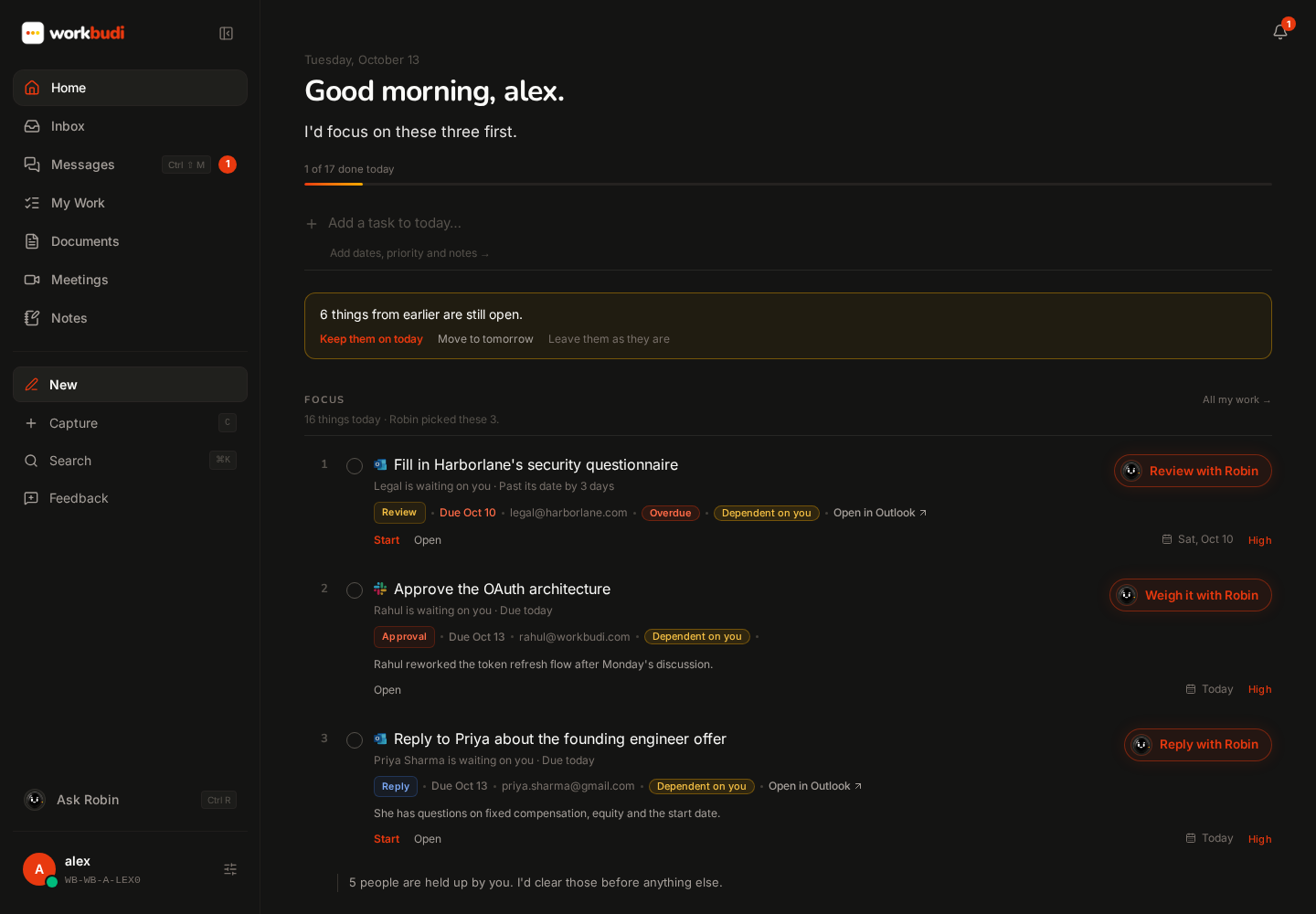
 One place to pick up where you left off.Explore the workspace
 Works alongside the apps
you already use.
Connected is a start. The real relief is not having to leave.
A message in one app. A meeting in another. A task somewhere else. Then the same explanation, again, in an AI chat. WorkBudi puts it all in one place — with Robin, your AI Chief of Staff, built in.
ONE WORKSPACE. ONE SUBSCRIPTION.
Start with the workspace. Add more AI help as you need it.
PLANS
Every plan has the full workspace. Upgrade when Robin becomes part of how you work.
Here’s how your day comes together.
YOUR MORNING
Email, team chat and today’s priorities — in one view, each with its next step.
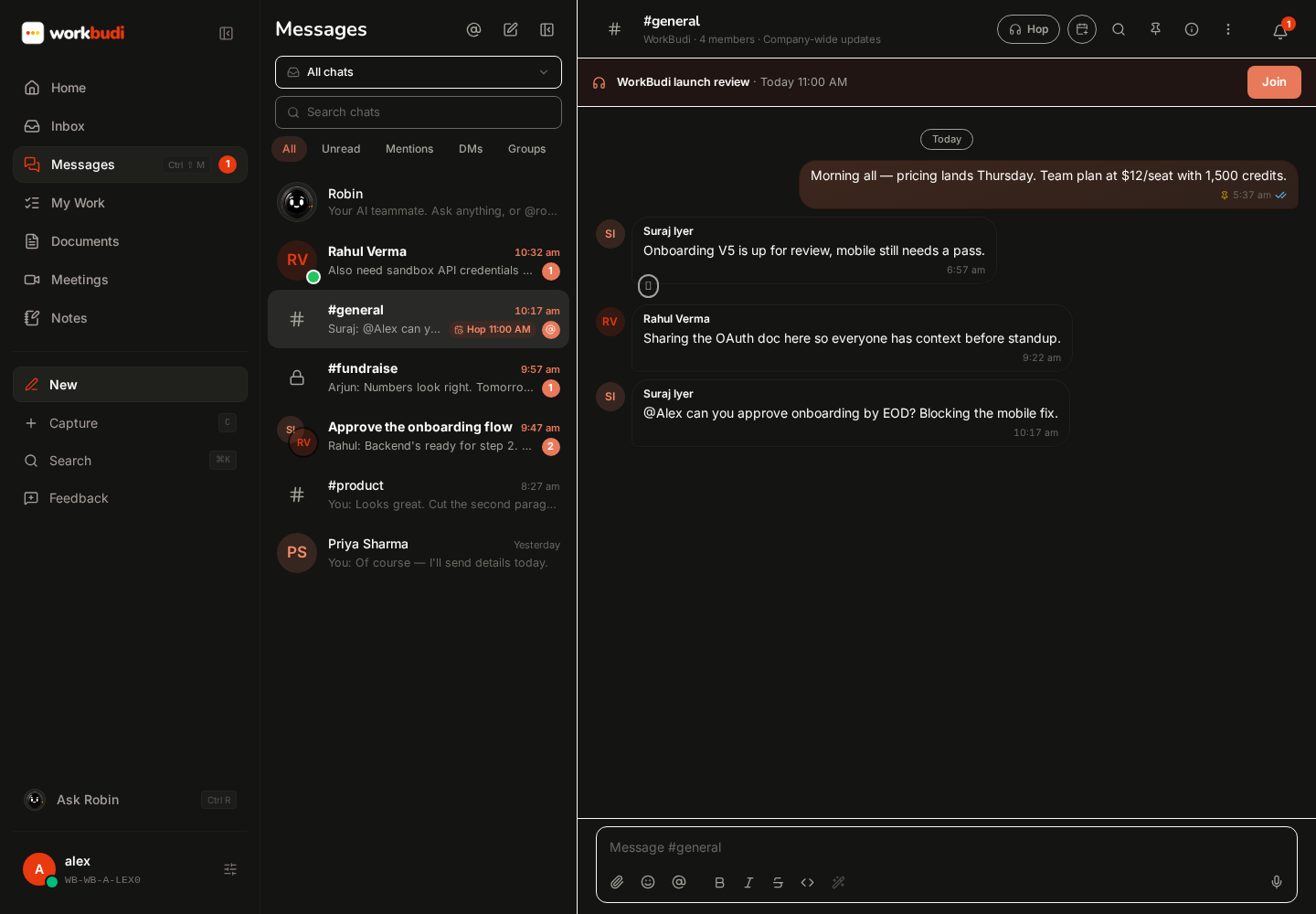
Team channels, direct messages and shared work. Bring Robin into the discussion without leaving the thread.
From catching up to taking action.
WHEN SOMEONE ASKS
Turn the ask into a task, keep the conversation attached, and work on the answer with Robin.
Robin In this conversationThe request, the people and the document are already here. No need to start over in another app.
The same follow-through, after a meeting.
WHEN IT’S SAID IN A MEETING
Meet in a Hop or bring Robin to Google Meet. Robin keeps the decisions and turns them into tasks with owners.
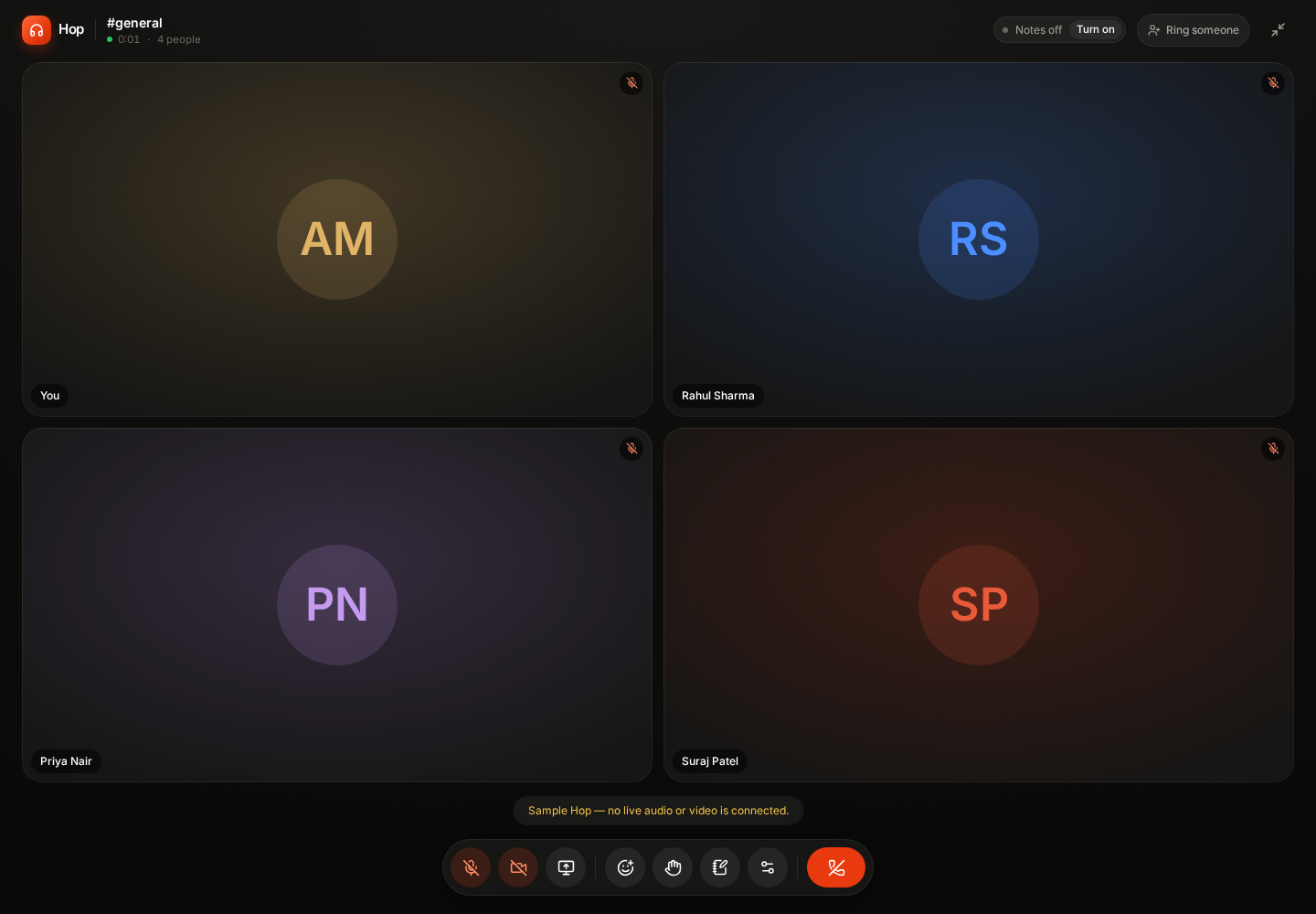
“Priya, let’s have the revised proposal by Thursday. Alex, can you review the terms once it’s ready?”
Client review · Illustrative excerpt
Nothing lost after the call.Revise the proposal before Thursday. Commercial terms need a review once the draft is ready.
Client review · Source retainedSample notes and tasks — nothing recorded or created.
And when you need a hand with the next step…
MEET ROBIN
Think it through, research it, draft it, send it — by text or voice, without leaving your work.
 WorkBudiIllustrative example
Help me think through the client feedback and rewrite the proposal opening.
RobinContext connectedLead with the client’s priority: a simpler onboarding experience. Then connect the revised scope to the decisions from the review. Brainstorm, ask questions, summarise and write with your selected work context alongside the conversation.
Robin is only as good as what it knows. So you decide what it sees.
CONTEXT & CONTROL
Choose the threads, documents and apps Robin can use. Review every draft before it goes out.
One connected context.Team discussions & huddles.
Connected to the people, projects and work around them.
Add it up, and something disappears: the switching.
WHAT YOU STOP PAYING FOR
Everyday teamwork and AI help, together. Keep outside tools connected where you still need them.
So the only question left: how much Robin does your team need?
PRICING
Same workspace on every plan. The difference is how much AI work Robin does for your team.
A practical place to start working with your team.
$0up to 5 members
For people with manageable AI work — Robin handles the meetings, follow-ups and the occasional draft.
$15per user / month
For people who live in AI tools all day — Robin carries the everyday work that runs through them.
$30per user / month
For regulated teams that can’t send data to AI tools — and larger teams that want a guided rollout.
Customtalk to the founder
Every plan has the full workspace. Robin capacity and control grow with you.
| Feature | Free | Pro | Max | Enterprise |
|---|---|---|---|---|
| Who it’s for | ||||
| Best for | Trying WorkBudi together | Manageable AI work | AI tools all day | Regulated & larger teams |
| Team size | Up to 5 members | Any size | Any size | Any size |
| The workspace | ||||
| Team chat, channels & tasks | ||||
| Hops, meetings & documents | ||||
| Connected inbox | ||||
| Robin | ||||
| Robin Credits per user | Minimal | 50 | 200 | Custom |
| Shared team credit pool | ||||
| Meeting prep & follow-ups | ||||
| Top-ups (50 credits · $10) | ||||
| Control & deployment | ||||
| Workspace administration | Basic | Standard | Advanced | Custom |
| Where it runs | Cloud | Cloud | Cloud | Cloud or local* |
| Onboarding | Self-serve | Self-serve | Self-serve | With the founder |
* Local WorkBudi is in development for teams under data regulations. to shape it.
No. Credits last 12 months from when they’re issued or bought, while your workspace is on a paid plan.
Everyone. Credits sit in one shared team pool, within any limits your admin sets.
No. A quick message uses less than a meeting summary, research task or long document.
Unused credits stay with their original expiry. Your new plan only changes how many new credits arrive.
Add 50 Robin Credits for $10 any time, without changing plans. Top-ups also last 12 months.
A workspace that keeps moving forward.
RECENTLY SHIPPED
Gmail, Outlook, Slack and Teams in one reading view.
Decisions and owned tasks, captured while the call is warm.
Click-to-schedule, Hop rooms built in, and Your day.
Build a better working rhythm, too.
FROM THE WORKBUDI JOURNAL
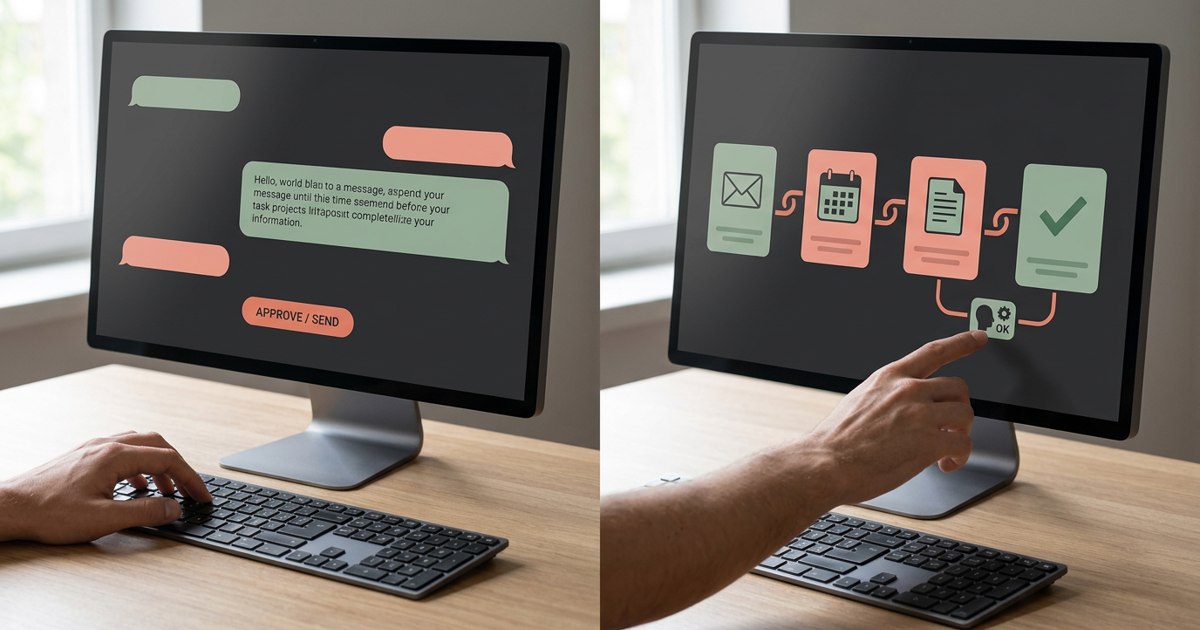
Understand the difference between AI agents and AI assistants, with practical examples, use cases, risks and a framework for choosing between them.
Read article
Learn how startup founders can reduce decision bottlenecks, delegate authority and help teams move faster without losing control.
Read article
Understand the productivity trap and learn how task overload, context switching and constant optimization can reduce effectiveness.
Read article
Discover how AI meeting assistants can improve meeting productivity through summaries, action items and better follow-through without replacing human judgment.
Read article
Use this delegation tracker template to assign work clearly, track progress, clarify decision rights and reduce founder bottlenecks.
Read article
Learn how small teams can operate like larger companies through clear roles, repeatable processes, documentation, metrics and lightweight automation.
Read article
Learn how founders can improve work-life balance without lowering ambition by reducing friction, setting boundaries and designing a more sustainable workday.
Read article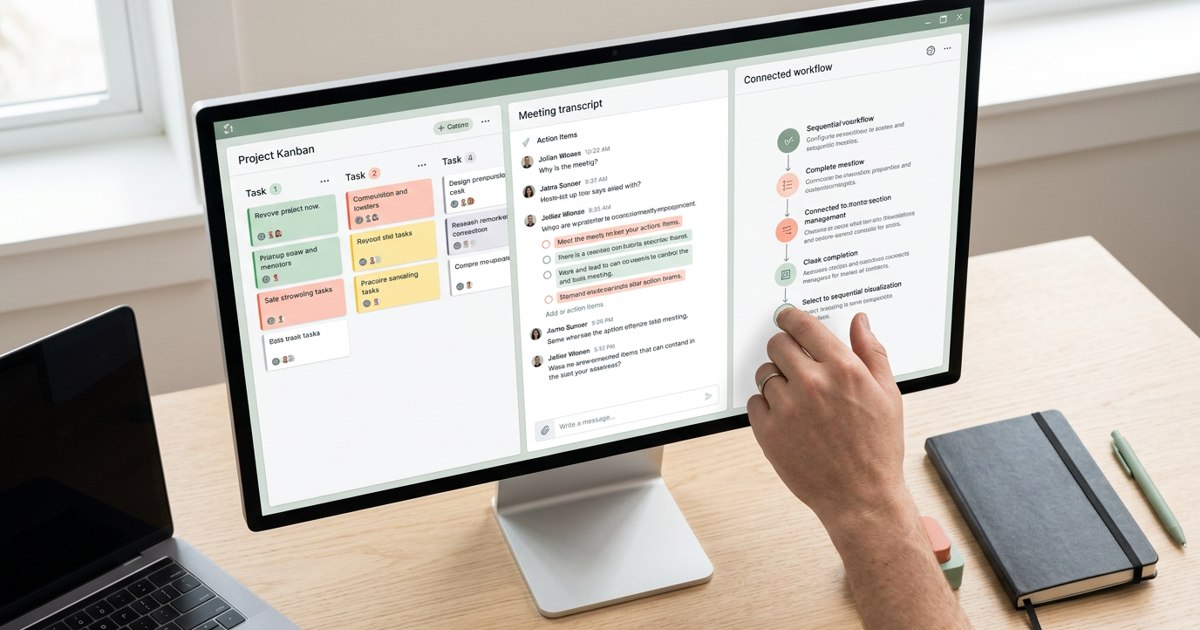
Compare the best AI tools for managing work in 2026, from planning and project management to meeting notes and workflow automation.
Read articleReady to bring it all together?
GET STARTED
Try the workspace free, or see how it fits your team in a personal demo.
Your work. Your context. Your Robin.